











How to Play Monkey Mart?
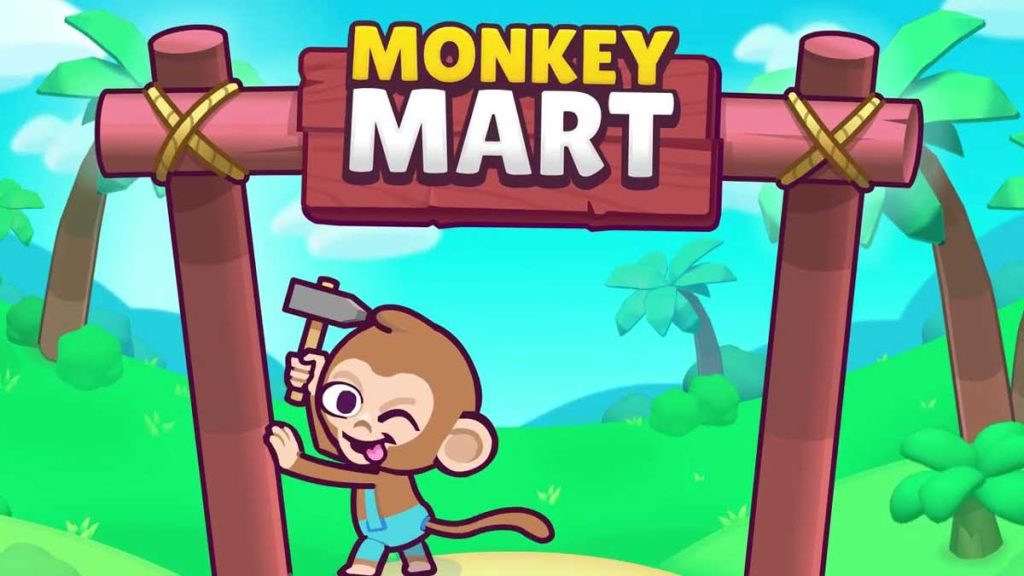
How to play Monkey Mart is one of the first questions new players ask when they discover Monkey Mart Unblocked. At first glance, the game looks simple: you control a monkey running a small grocery store. However, as your business grows, you’ll unlock new products, hire employees, expand into larger marts, and manage increasingly complex production chains.
Monkey Mart has become one of the most popular management games on the web because it combines idle mechanics with active gameplay. Players are constantly making decisions about upgrades, staffing, and expansion while keeping customers happy. The goal is simple: turn a tiny market stand into a profitable supermarket empire.
Today, Monkey Mart remains one of the most-played games in the No Ads Games category thanks to its relaxing gameplay, rewarding progression system, and easy-to-learn controls.
If you enjoy browser games that combine strategy and management, you’ll also find many similar titles on Crazy Games Unblocked.
What Is Monkey Mart?
Monkey Mart is an idle management and supermarket simulation game where you control a monkey entrepreneur. Your job is to grow crops, stock shelves, serve customers, collect money, and continuously expand your store. As you earn profits, you can unlock new products, purchase upgrades, and hire assistants to automate tasks
Unlike many business simulation games that rely heavily on menus, Monkey Mart allows players to physically move around the store and perform tasks themselves. This hands-on approach makes the game feel active and engaging while still maintaining the relaxing nature of an idle game.
The combination of farming, retail management, and automation is one of the main reasons why Monkey Mart has attracted millions of players worldwide.
Monkey Mart Controls
The controls in Monkey Mart are intentionally simple.
On desktop devices, you move your monkey using:
- WASD keys
- Arrow keys
On mobile devices, players use an on-screen joystick or touch controls to move around the store.
One of the most beginner-friendly aspects of Monkey Mart is that most actions occur automatically. You don’t need to press separate buttons for harvesting, stocking, or collecting money.
Simply walk to the correct location and your monkey will automatically perform the necessary action.
Step 1: Plant and Harvest Crops
Every Monkey Mart journey begins with basic farming.
You’ll start by planting simple crops such as bananas. Walk over planting areas to sow crops and return when they are fully grown to harvest them. The process is automatic, allowing you to focus on managing the overall operation.
As the game progresses, you’ll unlock additional products including:
- Corn
- Eggs
- Milk
- Bread
- Coffee
- Chocolate
- Ice cream
Each new product introduces additional production requirements and increases the complexity of your store.
Step 2: Stock the Shelves
Harvesting products is only the beginning.
After collecting goods, you must carry them to the appropriate shelves. Customers can only purchase products that are currently stocked.
If shelves remain empty for too long, customers may leave without making a purchase. Keeping inventory available is therefore one of the most important responsibilities in the game.
As your market grows, balancing production and stocking becomes increasingly important.
Step 3: Serve Customers
Customers arrive automatically throughout the day.
They browse the store, pick up items from shelves, and proceed to the checkout area. Once customers have selected their products, you need to collect the money generated by those sales.
The faster you keep products available, the more customers you can serve.
Successful stores maintain a steady flow of inventory while minimizing customer wait times.
This creates the satisfying gameplay loop that makes Monkey Mart so addictive:
- Grow products.
- Stock shelves.
- Serve customers.
- Earn money.
- Upgrade the store.
- Repeat.
Step 4: Upgrade Your Character
One of the most important aspects of learning how to play Monkey Mart is understanding upgrades.
Your monkey can become more efficient through various improvements, including:
- Movement speed.
- Carrying capacity.
- Harvesting efficiency.
- Store productivity.
Many experienced players recommend prioritizing movement speed early because it reduces travel time across the store and improves overall efficiency. Community discussions frequently identify upgrades as one of the fastest ways to accelerate progression.
The faster your monkey works, the faster your profits grow.
Step 5: Hire Helpers
Eventually, your store becomes too large to manage alone.
This is where helper monkeys become essential.
Employees can automate many routine tasks such as:
- Harvesting crops.
- Restocking shelves.
- Running production stations.
- Managing checkout areas.
Hiring staff transforms Monkey Mart from a hands-on simulation into a more strategic management game. Instead of doing every task yourself, you’ll focus on optimizing operations and planning future expansions.
Step 6: Expand Your Market
As profits increase, you’ll unlock new areas of the store.
Expansion introduces additional products, larger layouts, and more customers. New production chains often require multiple steps before products can be sold, creating deeper management challenges.
The expansion system is one of Monkey Mart’s biggest strengths because it constantly provides new goals.
Instead of repeating the same tasks forever, players steadily build larger and more sophisticated supermarkets.
Best Beginner Tips for Monkey Mart
If you’re just starting out, these strategies can help you progress faster:
- Upgrade movement speed early.
- Keep shelves stocked at all times.
- Hire assistants as soon as possible.
- Avoid unlocking too many production chains at once.
- Collect money regularly.
- Reinvest profits instead of saving excessively.
Community discussions often emphasize that efficient upgrades and early automation provide the biggest advantages during the early game.
Following these principles will help your market grow much faster.
Common Mistakes New Players Make
Many beginners slow their progress by making a few avoidable mistakes.
The most common include:
- Ignoring upgrades.
- Unlocking products too quickly.
- Leaving shelves empty.
- Delaying employee hiring.
- Expanding before optimizing current operations.
Successful players focus on efficiency before expansion.
A well-managed small store often generates more profit than a poorly organized large one.
Why Is Monkey Mart So Popular?
Monkey Mart combines several elements that players love.
The controls are simple, the progression feels rewarding, and the visual style is charming. The game also offers a balance between active gameplay and automation, allowing players to enjoy both direct involvement and long-term strategic planning.
Many players on community forums describe Monkey Mart as relaxing because there are no enemies, no combat systems, and no strict time limits. Instead, the challenge comes from improving efficiency and growing your business.
This approachable design makes Monkey Mart appealing to players of all ages.
Frequently Asked Questions
How do you move in Monkey Mart?
Use WASD or Arrow Keys on desktop, or touch controls on mobile devices.
What is the goal of Monkey Mart?
The goal is to grow a small market into a large supermarket by harvesting products, serving customers, earning money, and expanding operations.
Should I hire workers early?
Yes. Hiring assistants is one of the best ways to improve efficiency and accelerate progression.
Is Monkey Mart difficult?
No. The game is easy to learn, although managing larger stores becomes increasingly complex as more products and production chains are unlocked.
Final Answer
So, how do you play Monkey Mart? Move around your store, harvest products, stock shelves, serve customers, collect profits, and reinvest your earnings into upgrades and employees. As your supermarket expands, you’ll unlock new products, larger marts, and increasingly rewarding management challenges. The game’s simple controls and satisfying progression system make it one of the best browser-based management games available today.
If you’re planning to expand beyond your first store, you may also want to read how many marts are in monkey mart, where you’ll learn how the game’s progression system unlocks larger and more advanced supermarkets.