Loading...
GAME INFO
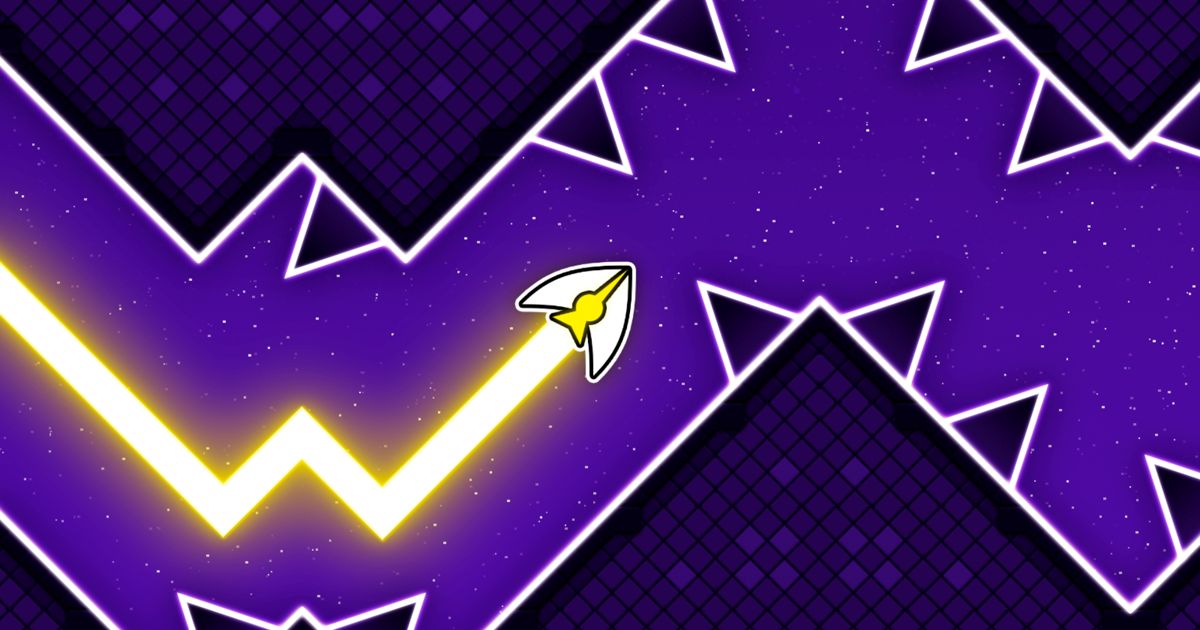
Space Waves is a fast-paced arcade game where you control a sharp arrow navigating through dangerous obstacle courses. Your objective is simple: reach the end of each level without crashing into walls, spinning gears, or deadly spikes.
Play Space Waves on Crazy Games Unblocked
Crazy Games Unblocked allows players to enjoy Space Waves directly in their browser without restrictions. Whether you're at school, work, or at home, you can jump into the action instantly without downloads or installations. Players who enjoy Space Waves on Crazy Games Unblocked often include:- Students looking for quick reflex-based challenges during breaks
- Casual gamers who enjoy simple yet intense arcade gameplay
- Players who love skill-based reaction games
- Fans of short but highly addictive levels
How to Play Space Waves
Space Waves features 33 unique levels, and you can choose any level at any time. Each level is marked with a face icon that indicates its difficulty, allowing you to decide how challenging your experience will be. The objective remains consistent across all levels: guide your arrow safely to the finish line without colliding with obstacles. However, the layout, spacing, and hazards vary depending on the difficulty.- Green Levels: Wider spaces and smoother angles, making it easier to build straight momentum.
- Higher Difficulty Levels: Tighter paths, more rotating gears, sharper angles, and increased obstacles.
Tips and Tricks
- Move in a zigzag pattern when approaching obstacles to maintain better control.
- Build steady momentum instead of making sudden sharp movements.
- Practice easier levels first to improve reaction time.
- Stay calm — most crashes happen when players overcorrect their movement.
More Games Like Space Waves
If you enjoy casual arcade games, explore more titles in the Casual category. Some popular games worth trying include:- Snow Rider 3D
- Sand Tetris
- World’s Hardest Game
- Free GeoGuessr
Game Information
- Release Date: April 2024
- Platform: Web browser (Desktop & Mobile)
- Last Updated: December 04, 2025
Controls
PC Controls
- Hold Left Mouse Button / W / Spacebar – Move Up
- Release – Move Down
- P – Pause the game
Mobile Controls
- Hold the screen – Move Up
- Release – Move Down