










How do you stop in Moto X3M?
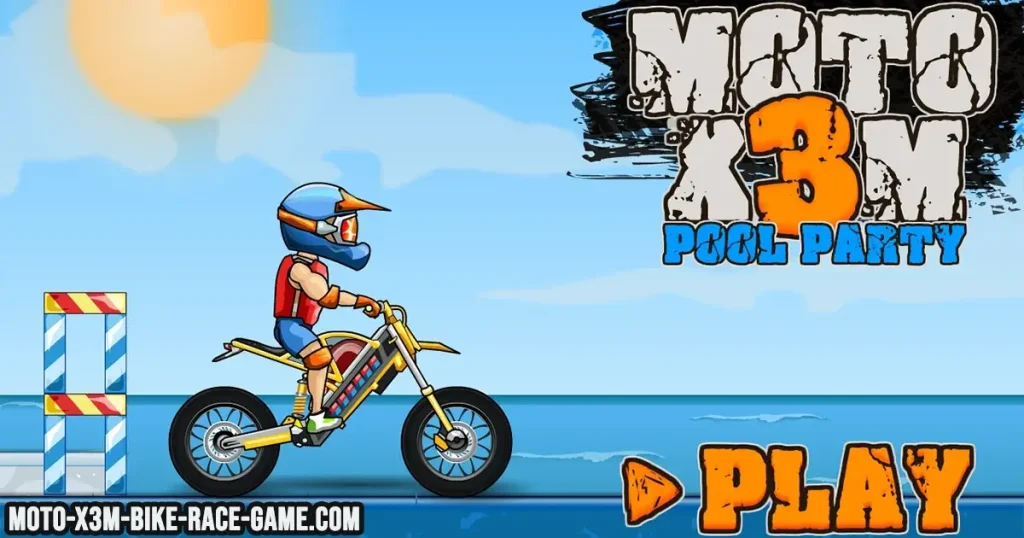
How do you stop in Moto X3M? Many players ask this when they first try the game because Moto X3M feels fast and chaotic with ramps, obstacles, and explosive traps. Unlike traditional racing games, Moto X3M does not have a dedicated “hard stop” button. Instead, stopping or slowing down is controlled through acceleration, braking, and bike balance.
Understanding how to slow down properly is very important because many levels require precise timing. If you go too fast, you can crash into obstacles. If you slow down too much, you may lose momentum needed to clear jumps.
How do you stop in Moto X3M?
How do you stop in Moto X3M? The main way to stop or slow down your bike is by releasing the acceleration key. On most devices, this means letting go of the Up Arrow or W key. Once you stop accelerating, the bike gradually loses speed on its own.
You can also use the brake key to slow down more actively. Pressing the Down Arrow or S key reduces speed faster and helps you control tricky sections of the track.
Players who want to try controlling speed in real gameplay can play Moto X3M Unblocked and practice different techniques on various levels.
Is there a full stop button in Moto X3M?
No, Moto X3M does not include a full stop button. The game is designed around momentum, meaning your bike is always moving unless it crashes or loses speed naturally.
Instead of stopping completely, players focus on controlling speed. Sometimes slowing down slightly is more useful than trying to fully stop, especially before ramps, traps, or narrow paths.
How the brake works in Moto X3M
The brake in Moto X3M is used to reduce speed and improve control. Pressing the Down Arrow or S key allows you to slow down before obstacles or adjust your position before a jump.
The brake is especially useful when approaching dangerous sections like spinning blades, steep drops, or tight landings. It helps prevent crashes by giving you more reaction time.
However, overusing the brake can also make you lose momentum, which may slow down your overall level completion time.
How to slow down safely without crashing
One of the best ways to manage speed in Moto X3M is by learning when to release acceleration instead of constantly holding it. Many beginners make the mistake of always pressing forward, which leads to uncontrolled jumps and crashes.
Slowing down before ramps can help you control your landing better. This gives you more stability when hitting the ground and reduces the chance of flipping or falling.
It is also important to adjust your bike in the air using balance controls so you land smoothly and maintain momentum.
How momentum affects stopping in Moto X3M
Moto X3M is built on physics, which means momentum plays a big role in how your bike moves. Even if you stop pressing acceleration, your bike will continue moving forward until friction and terrain slow it down.
This is why players cannot fully stop instantly. Instead, they must plan their movement and use speed control to avoid dangerous situations.
Good players learn how to use momentum to their advantage rather than fighting against it.
When should you slow down in Moto X3M?
You should slow down in Moto X3M when approaching sharp obstacles, narrow platforms, or sections that require precise landing. Slowing down slightly gives you better control and reduces the chance of crashing.
However, in long jumps or straight paths, maintaining speed is important for better performance and faster completion times.
Balancing speed and control is the key to mastering the game.
Tips to control speed better
Here are some useful ways to improve your speed control in Moto X3M:
• Release acceleration before difficult obstacles instead of reacting too late.
• Use the brake only when necessary to avoid losing too much momentum.
• Learn each level layout so you can predict when to slow down.
• Practice landing smoothly to maintain speed after jumps.
These techniques help you stay in control without sacrificing performance.
Where to play Moto X3M
You can play Moto X3M directly in your browser without downloading anything. The game is popular because it combines speed, stunts, and physics-based challenges in short, exciting levels.
For more browser games, you can explore Crazy Games Unblocked to find different action and racing experiences.
Conclusion
How do you stop in Moto X3M? There is no instant stop button. Instead, you slow down by releasing acceleration and using the brake key when needed. The game focuses on momentum and control rather than full stopping.
Learning how to manage speed is one of the most important skills in Moto X3M. Once you understand when to slow down and when to maintain speed, you can complete levels more efficiently and avoid unnecessary crashes.
If you want to improve further, check out how to start moto x3m easily for beginner-friendly gameplay tips.